Scan to PDF
Turn paper documents, notes, books, receipts, and ID cards into clean PDF files.
- Auto crop and page cleanup
- OCR and searchable text
- Multi-page PDF export
PDF Toolkit for Android
PDF Toolkit is an Android app for creating, reading, editing, signing, converting, organizing, and optionally syncing PDF documents with Google Drive.
 PDF ToolkitPDF Toolkit
Tools in one placeScan, edit, sign & sync
Built for PDF work
Purpose
The purpose of PDF Toolkit is to give Android users a local document workspace for scanning paper into PDFs, reviewing files, editing pages, adding signatures, converting common formats, protecting documents, and keeping finished outputs organized. Optional Cloud Sync connects to the user's Google Drive account only when the user enables it.
Turn paper documents, notes, books, receipts, and ID cards into clean PDF files.
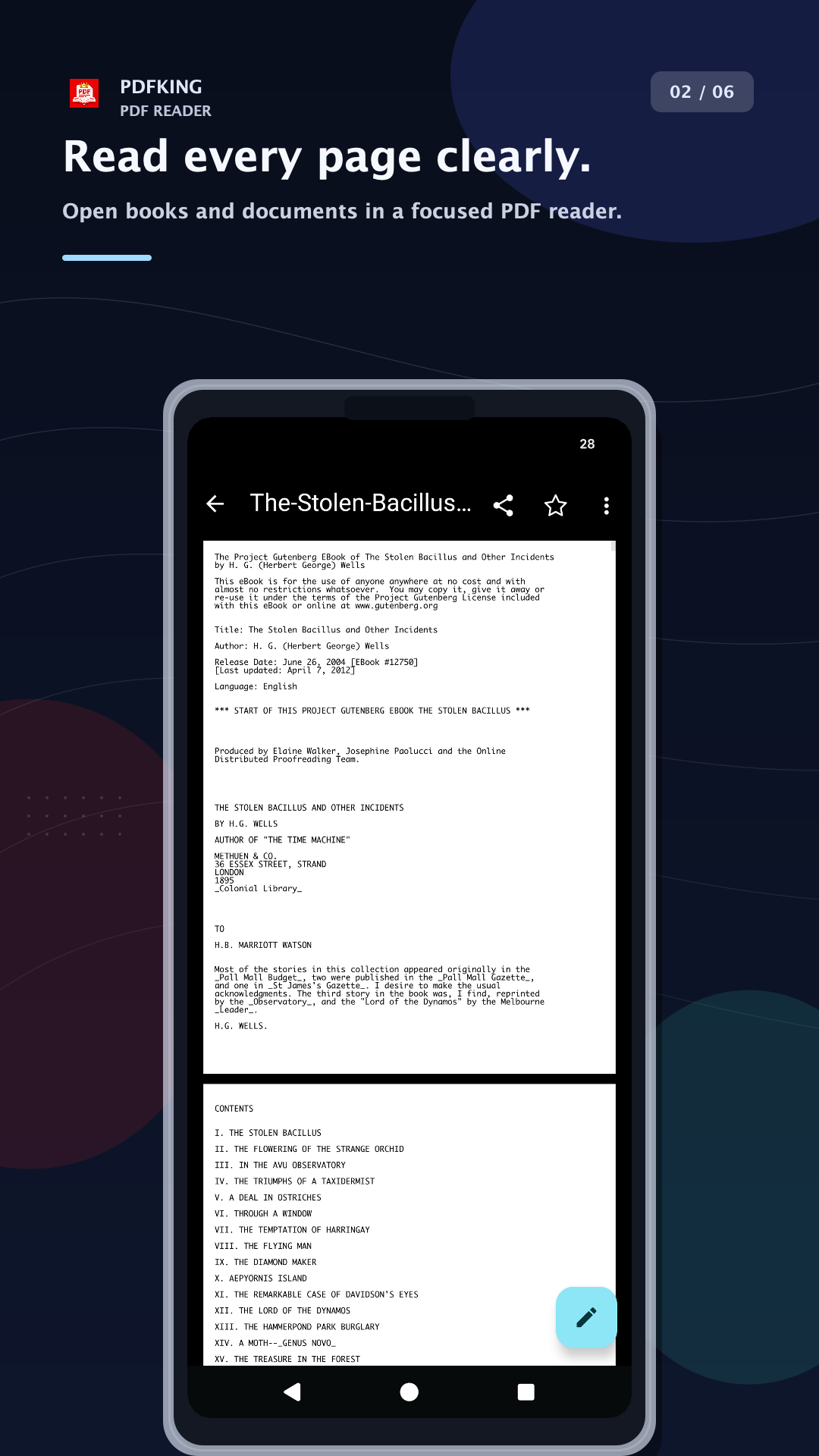
Open PDFs quickly, review pages, search inside files, and keep documents easy to find.
Adjust PDF files without leaving the app, then save a new copy or share the result.
Add signatures or visible watermarks for approvals, forms, and shared documents.
Create PDFs from common file types and export documents into practical formats.
Connect Google Drive only when you choose, then sync PDF Toolkit-managed outputs.
Tools list
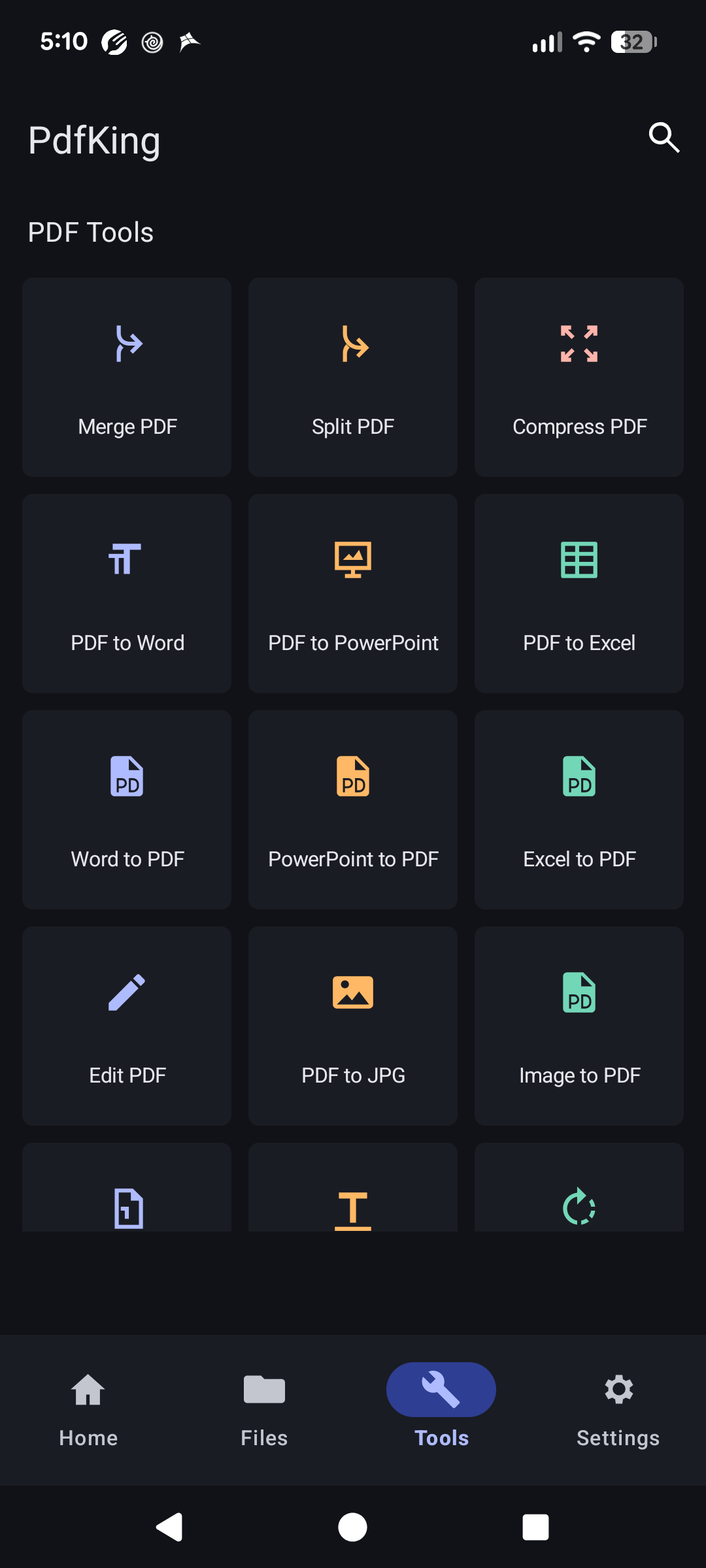
Open the Tools tab for merge, split, compress, conversion, watermark, editing, signing, page organization, OCR, and file protection.
Create PDFs from documents, books, notes, receipts, and ID cards.
Edit pages, organize documents, add watermark, rotate, split, and merge.
Draw or place a signature on forms, agreements, and approval papers.
Convert PDF, Word, PowerPoint, Excel, JPG, image, and text files.
Compress, unlock, protect, repair, and add page numbers.
Sync PDF Toolkit outputs with Google Drive when Premium is active.
Privacy
Scans, edits, OCR, and signatures are handled on your device. Cloud Sync is optional and uses the Google Drive account you connect.
Read the privacy policyNeed help?